Virtual Production
Unreal Engine in Live Television: How Virtual Production Works in Broadcast
Whenever a news set shows a backdrop that doesn't exist, or the camera glides through a studio that's actually half the size it appears to be, there's a good chance a game engine is running behind the scenes. Unreal Engine has been sneaking into television for years without most viewers ever noticing. This is the invisible half of live broadcast, told from the inside.
A game engine on a television set
The idea sounds odd the first time you hear it. What's a game engine doing on a news set? Quite a lot, actually, and the reason is real time.
Live television can't render anything "for tomorrow." Every frame you see on screen has to be calculated the instant it airs, dozens of times per second, without exception. That's exactly what game engines have spent decades perfecting: generating high-quality images on the fly, reacting to whatever is happening.
Except here, "whatever is happening" isn't a player with a controller. It's a studio camera moving, a presenter walking through a set that doesn't physically exist, or a last-minute rundown change that means a different scene has to be ready minutes before going on air.
Augmented reality, virtual sets, and everything in between
From the outside it all reads as "the show's set," but in production these are fairly different scenarios:
- Augmented reality: the set is real and virtual elements are layered on top. It could be a life-size recreation in the middle of the studio, a vehicle, a building, a smoke or water simulation. For it to work, the real and virtual cameras have to be perfectly in sync, so the element stays locked in place as the camera moves.
- Virtual set: the opposite. The presenter is the only real thing, and the entire environment is generated in Unreal, with its own lighting, reflections and depth. The engine isn't drawing a decoration, it's drawing the whole world.
- Mixed scenarios: part of the set is physical, and part extends virtually beyond where the real studio ends. Very useful when the physical space falls short of what the show is aiming for.
The underlying challenge is always the same: making the virtual and the real fit together so well that the viewer never stops to wonder which is which.
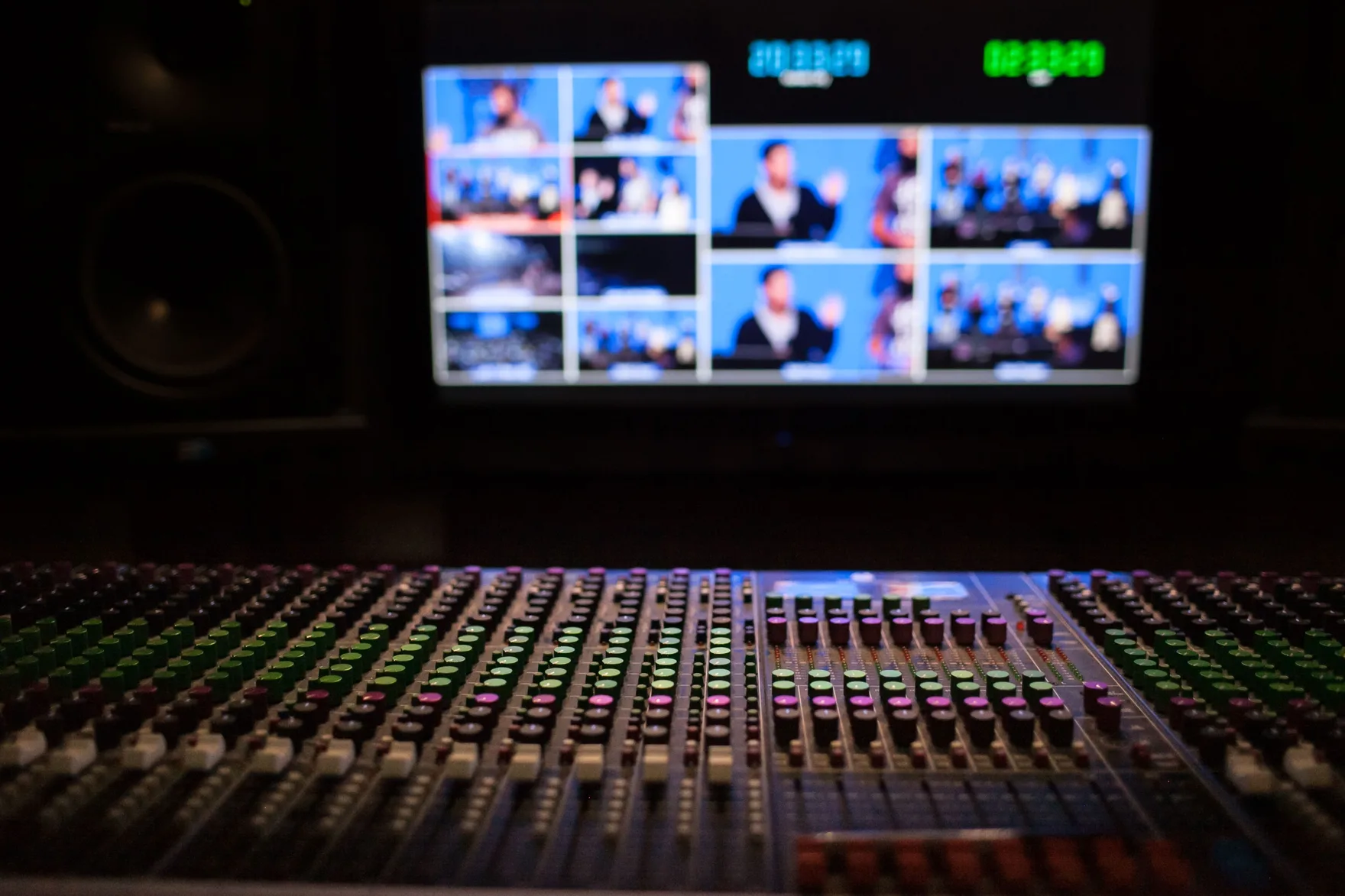
How Unreal connects to the broadcast world
Unreal Engine doesn't live on a set in isolation. Television has its own ecosystem of real-time graphics systems, with several major names coexisting in the market: Vizrt, Brainstorm, Pixotope or Zero Density, among others. Every broadcaster and production company builds its pipeline out of whichever pieces fit best, and a good number of them integrate with Unreal in one way or another. With Vizrt, for instance, tools like Viz Arc act as a bridge, letting operators control Unreal scenes through workflows they already know.
On top of that comes camera tracking: sensors that tell the engine, at every instant, where each physical camera is, where it's pointing and what lens it's using. Without that data, augmented reality is impossible, because the virtual element wouldn't know where to anchor itself. With it, Unreal's virtual camera mirrors the real one exactly, and the two images merge into one.
My favorite part of this whole setup is that almost nothing comes solved out of the box. Every show has different needs, and that's where Blueprints come in: logic pieces that make a scene react to a data feed, trigger a simulation at exactly the right moment, or let an operator control an entire set with a single button.
Live television doesn't forgive
In a video game, a frame-rate dip is annoying. On live television, it airs, in front of thousands of viewers, with no second take.
This is the difference that shapes everything. In film or scripted series, if a render fails, you redo it. In a video game, a patch fixes it next week. Live TV has neither safety net: the scene has to work right now, reliably, for hours of broadcast.
That's why optimization stops being a good practice and becomes a matter of survival. Every material, every particle, every light in the scene gets measured by what it costs in milliseconds. A beautiful shader that tanks the frame rate stops being a beautiful shader and becomes a problem live on air.
And that's why this line of work needs more than technical knowledge. It needs judgment, knowing what can be sacrificed without the image losing its intention. Knowing where to cut corners without anyone noticing is, at its core, an artistic decision.
What an animator sees on a virtual set
This is where my earlier path, more than a decade animating characters, turns out to be less beside the point than it seems.
A lot more moves on a virtual set than people imagine. A water simulation that has to break against the studio floor with believable weight. A column of smoke that enters frame and can't look like a blob. An entire set that transforms live while the camera moves through it. A virtual camera that flies where no physical crane could ever go, and still has to feel natural.
Every one of those decisions is, underneath, an animation question. How long something takes to settle, what curve it accelerates and decelerates on, how much weight it conveys, when a movement needs a beat of rest so the viewer can read it properly. The same questions I used to ask in front of a character, now applied to simulations, cameras and entire environments.
The technical side makes things work. Animation sensibility makes them feel alive. And in broadcast, where everything moves fast and nothing gets a second take, that second layer shows more than it usually gets credit for.
Where this is heading
Virtual production in television isn't a passing trend. Every season, more shows are betting on augmented reality, virtual sets and set designs that would be impossible or prohibitively expensive to build physically. The technology is maturing fast, and people who can speak both the engine's language and the image's language remain in short supply.
Anyone wanting to go deeper will find a solid starting point in Epic Games' Broadcast & Live Events Field Guide, with real case studies from broadcasters and production companies already working this way.
If you come from traditional 3D and this sounds like interesting territory, it is. And if you're wondering where to start, my own transition story is told in the first article on this blog.
Going through a similar pivot, or looking for someone who combines animation and Unreal Engine on your team?
Let's talkYou might also like
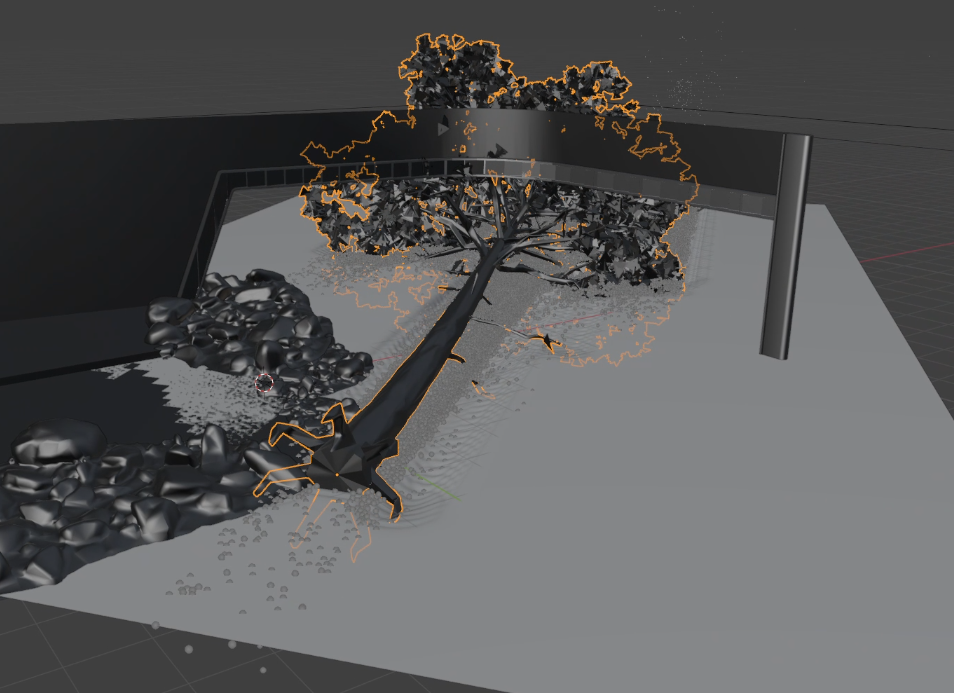
What Does a Technical Artist Do in Real-Time Broadcast Production
"Technical Artist" means very different things depending on where you work. Here's what it means in my case: a profile more artistic than technical, no Python or C++, built on Blueprints, rigs and VFX to sustain a real-time news broadcast.
Read article →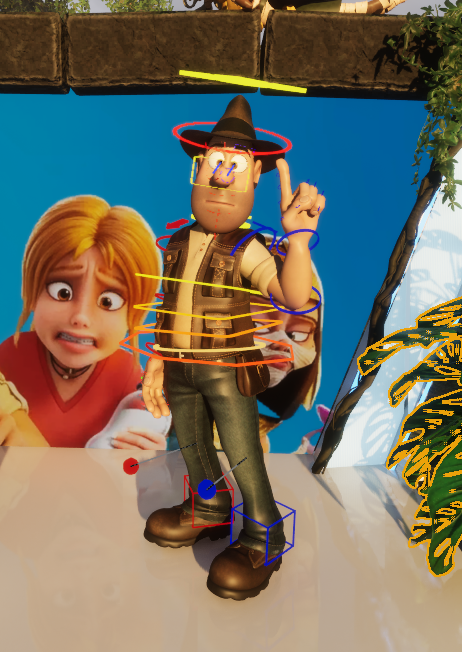
Tadeo Jones in Augmented Reality: Rig, Mocap and Retargeting
How I built Tadeo Jones' full rig in two weeks (body, face and mocap retargeting) to bring him into a news broadcast in augmented reality format, starting from zero.
Read article →From 3D Animator to Unreal Engine Technical Artist: my career pivot
After more than a decade animating characters for series and video games, I made the jump to Unreal Engine and real-time production. Here's what I learned along the way, and why I don't regret it.
Read article →