Virtual Production
Unreal Engine vs Viz Engine for Broadcast Virtual Sets
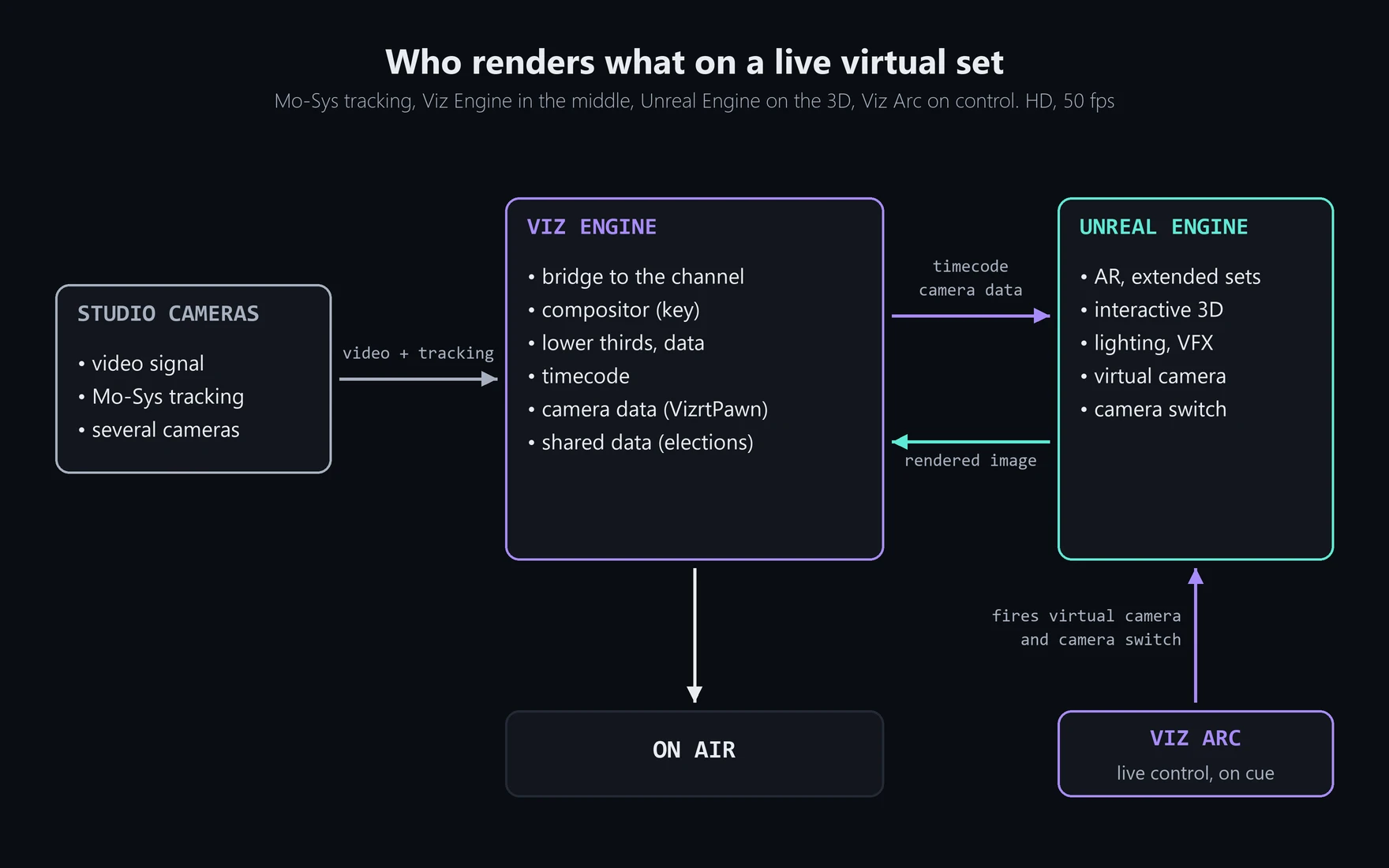
Should a TV channel use Unreal Engine or Viz Engine for its virtual sets? On the live shows I work on, we use both, at the same time and on the same image. It isn't a contest: each one does a different job, and the interesting part is how they work together.
Unreal Engine and Viz Engine on a broadcast virtual set
When Unreal arrived, Viz was already the graphics system of the channel. The lower thirds, the data, the templates the operators use every day: all of it lived there. Nobody was going to replace that, so Unreal was plugged into it.
In practice it works like this. Mo-Sys tracks the studio cameras, and that data reaches Unreal through Viz, via Vizrt's VizrtPawn, so the virtual camera always moves with the real one. Unreal renders the 3D, and Viz composites it over the camera signal before it goes on air. We work in HD at 50 fps, which gives Unreal 20 milliseconds to render each frame. That number comes up again and again in this job.
(For the bigger picture of how game engines got into live TV, see Unreal Engine for Live TV Virtual Sets and AR.)
Why use Unreal Engine on air, and not only Viz
Viz can render 3D too, so it's a fair question. The answer is everything Unreal brings with it as a game engine.
With Lumen, light bounces around the virtual set in real time, and an AR element sits in the same light as everything around it, without rebaking the lighting for every story. Niagara gives us rain, sparks, dust, or a simulation that explains what happened better than any lower third. With foliage we can fill a landscape with trees and rocks and turn an extended set into a whole exterior. And Blueprints let us give the scene behaviour: the two tools I talk about further down are built with them.
Viz is built for broadcast graphics, and it does that very well. But with Viz alone, you wouldn't get the same visual result.
Putting the 3D in Unreal gives the channel that finish without touching anything that already works on Viz.
What goes on air from Unreal
There's no fixed format. It depends on the story of the day. Sometimes it's augmented reality inside the real studio, objects or recreations the presenter can walk around, like the Tadeo Jones AR piece. Sometimes it's an extended set, where the studio continues beyond its walls. And sometimes it's an interactive piece fed by data: on election nights, the 3D reads the results from a shared memory that the rest of the graphics also use, so Unreal and Viz show the same numbers at the same moment.
The lower thirds and data tables stay in Viz. Unreal can draw text, and Epic is pushing in that direction with Motion Design, but Viz has far more tools for it, and the operators already know them.
Controlling Unreal Engine live from Viz Arc
On a live show, the render is only half the work. The other half is being able to control it on cue. We operate Unreal ourselves during the broadcast from Viz Arc, and two of the tools we fire from there didn't come out of the box: I built them in Blueprints.
The first is the virtual camera. It lets the shot leave the physical set and explore the 3D world around it. It detaches from the real camera with a transition, flies the path we've prepared in Sequencer for that story, then comes back and locks onto the real camera's tracking again. It has one limit we've learned to live with: it can't aim at the composite mesh, the surface carrying the real camera image, because that's where the tracking breaks.
The second is the camera switch. The set has several cameras coming in on different channels, and the switch lets us change which one goes on air and which one the AR is rendered for. Without it, the AR would stay glued to the wrong lens after a cut.
Volumetrics at 20 milliseconds a frame
If there's one thing we've learned to hold back on, it's volumetrics. VDB volumes and volumetric materials looked perfect in Unreal, then disappeared over the real video once Viz composited the image. According to Vizrt's documentation, effects that depend on transparency aren't supported when Viz does the compositing. Newer versions of their plugin can composite inside Unreal, but we're still on Unreal Engine 5.3.
On top of that, they're expensive. Volumetrics eat a good part of those 20 milliseconds, and on air a dropped frame is much worse than a simpler effect. Tools like ZibraVDB compress VDBs heavily and also get around the compositing issue. We never got to bring it into our pipeline, but it's the first thing I'd look at for smoke or fire in a live AR piece.
It's also why versions matter so much. A live channel doesn't upgrade Unreal when Epic releases a new version. It upgrades when the whole chain supports it.
Brainstorm, Pixotope and Zero Density do it differently
Vizrt isn't the only way to put Unreal on air. Brainstorm works in a similar way, with its own engine for compositing and graphics and Unreal for the environment. Pixotope and Zero Density build on top of Unreal itself and are moving the graphics into it as well. Which approach makes sense depends less on render quality than on what the channel already runs and who's going to operate it.
Before you plug Unreal into Viz
If someone asked me for one piece of advice before doing this for the first time, it would be to learn exactly how the system is set up before trying to make anything work on it. How many engines there are, how they're wired, which machine sends what. And to take the Viz Arc integration seriously, because that's what turns a render into something you can actually run live.
We didn't get there from a manual. We got there through a lot of trial and error, until everything held up on air. That part never shows on screen, and it's most of the job of a technical artist in broadcast.
Is your channel about to plug Unreal Engine into a Viz pipeline, or do you need AR and virtual camera work for a live show? I'm available for freelance projects. Get in touch and tell me how your system is wired.
Need Unreal Engine running in a live show, or an animator who also handles the technical side? I’m available for freelance projects.
Let's talkYou might also like
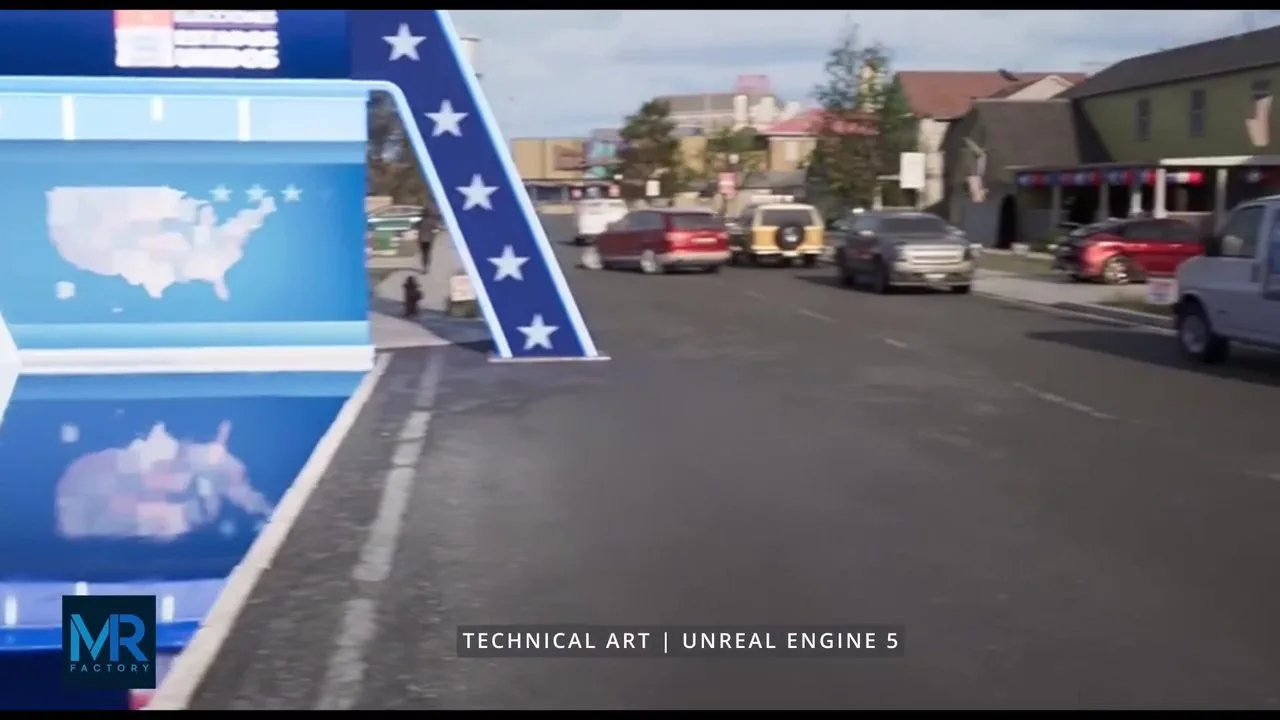
Unreal Engine for Live TV Virtual Sets and AR
Behind the augmented reality and virtual sets you see on TV every day, there's a game engine running in real time. Here's how Unreal Engine connects with the broadcast world, and why live changes everything.
Read article →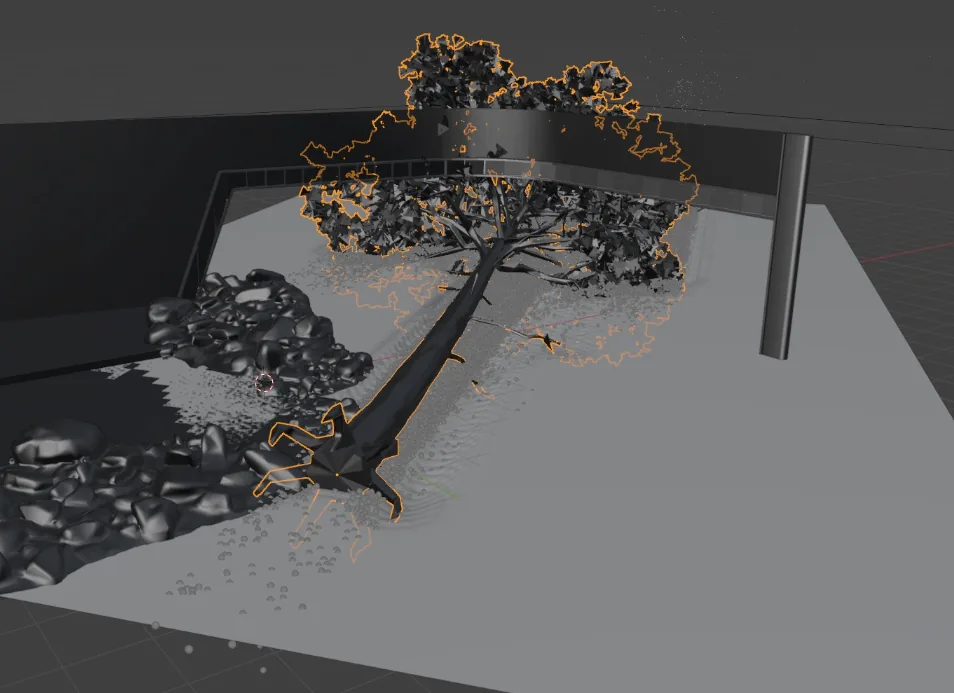
What Does a Technical Artist Do in Real-Time Broadcast Production
"Technical Artist" means very different things depending on where you work. Here's what it means in my case: a profile more artistic than technical, no Python or C++, built on Blueprints, rigs and VFX to sustain a real-time news broadcast.
Read article →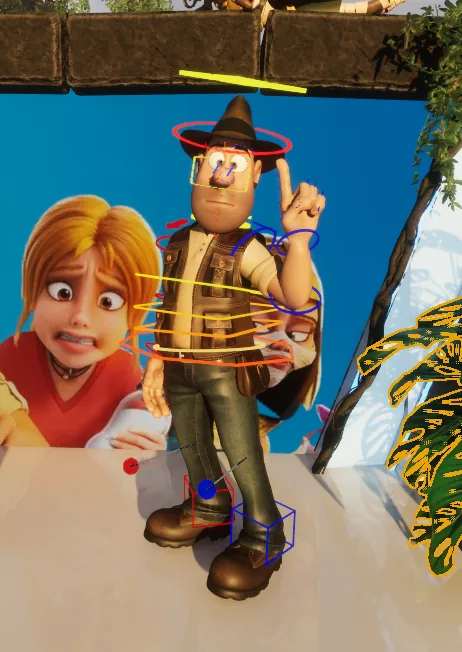
Tadeo Jones in AR: Rig and Mocap Retargeting
How I built Tadeo Jones' full rig in two weeks (body, face and mocap retargeting) to bring him into a news broadcast in augmented reality format, starting from zero.
Read article →