Animation
Mocap Retargeting in Unreal Engine 5: What You Still Have to Fix
Retargeting has a reputation as a magic step: you pick the capture, you pick the target skeleton and the character moves. It does move. But between moving and being ready to deliver there's work that tutorials don't cover and that, if the skeleton isn't properly prepared, takes up most of the time.
In short
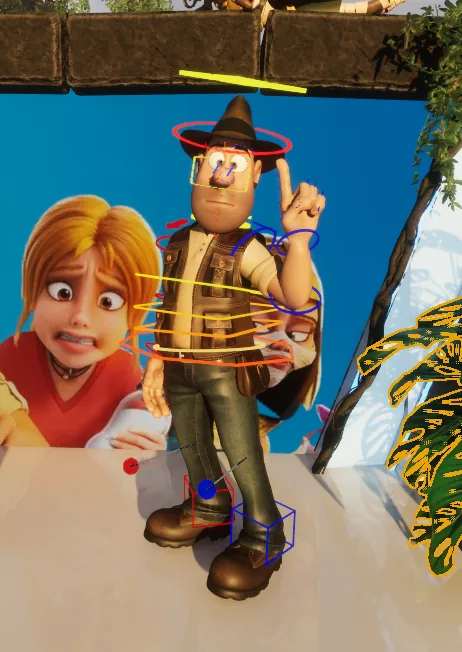
In Unreal Engine 5, retargeting transfers animation from one skeleton to another and adjusts it to its size and proportions, but that doesn't guarantee it works well on the character receiving it. With Tadeo Jones, the mocap came in on the Mocaptury skeleton and, after retargeting it to a custom rig built on the mannequin, timing, poses and whole actions had to be fixed with additive layers in Control Rig.
A capture that wasn't recorded for your character
On large productions, capture is usually planned and adjusted for each character. But on many projects, whether video games, series, ads or television, mocap is recorded for a different body, not for the character that ends up wearing it. With Tadeo Jones, the capture came on the Mocaptury skeleton, and I had built the character from scratch on the Unreal Engine 5 mannequin skeleton, with Control Rig. Two different skeletons and two weeks to get it on air.
Building the rig on the mannequin helped, because the engine's retargeting system is already designed around that skeleton. But the mapping wasn't straightforward. The axes of the skeleton we used for the capture were different from Unreal's, and that caused quite a few problems: I had to adjust a lot of things before the animation transferred properly to the character. If mocap comes from another system, that's the first thing worth checking.
What retargeting doesn't fix
Retargeting adjusts the movement to the character's size and proportions, but it knows nothing about how that character moves. What works on the capture actor's body doesn't always work on a character with different proportions and a different way of moving, and that has to be solved by hand.
A lot of that work can be saved earlier, during the capture. Performing for mocap is a craft in its own right, and a performance built around the character saves many hours of fixing animation afterwards.
In this case, that meant:
- adjusting the timing of several actions;
- improving poses that the capture left half done;
- changing some actions entirely;
- pushing some movements and toning others down;
- adding details the capture didn't have.
And we started at a disadvantage: the mocap quality wasn't very good and time was very tight, so getting to a broadcastable result took a lot of work. The hardest parts were unifying the different animation cycles so they worked together, and cleaning up the feet so the ground contacts were as good as possible.
Fix on top, not underneath
I did all that work with a layered control rig: additive layers on top of the retargeted animation, without touching the base. If a correction doesn't work, you remove the layer and the capture is still intact. If the client asks for another adjustment, you add another one.
That's the difference between cleaning up mocap and redoing it. It lets me change posture, weight or timing without reanimating anything from scratch every time something doesn't work.
Raw mocap, freshly retargeted to the character.
A different clip, already corrected with additive layers in Control Rig.
Two engine versions
I built the rig and the animation in Unreal Engine 5.7, for the improvements it brings to rigging and Control Rig, but the piece was integrated into the news broadcast's augmented reality format, which ran on Unreal Engine 5.3. You can't migrate a project directly to an older engine version, but that wasn't a problem: with the same rig in both versions, you just export the animation as FBX and import it into the other one.
Retargeting is only the start
What decides whether mocap works on your character isn't the retargeting, it's everything that happens afterwards: how much needs fixing, how long it takes and whether it can be done without breaking what already works. I tell the full story in how I brought Tadeo Jones into augmented reality.
Got mocap that doesn't quite work on your character? It's part of the work I do as an Unreal Engine Technical Artist, and I'm available for freelance projects. Get in touch and tell me what you've got.
Need Unreal Engine running in a live show, or an animator who also handles the technical side? I’m available for freelance projects.
Let's talkRelated service: 3D animation for film and TV →
You might also like
Tadeo Jones in AR: Rig and Mocap Retargeting
How I built Tadeo Jones' full rig in two weeks (body, face and mocap retargeting) to bring him into a news broadcast in augmented reality format, starting from zero.
Read article →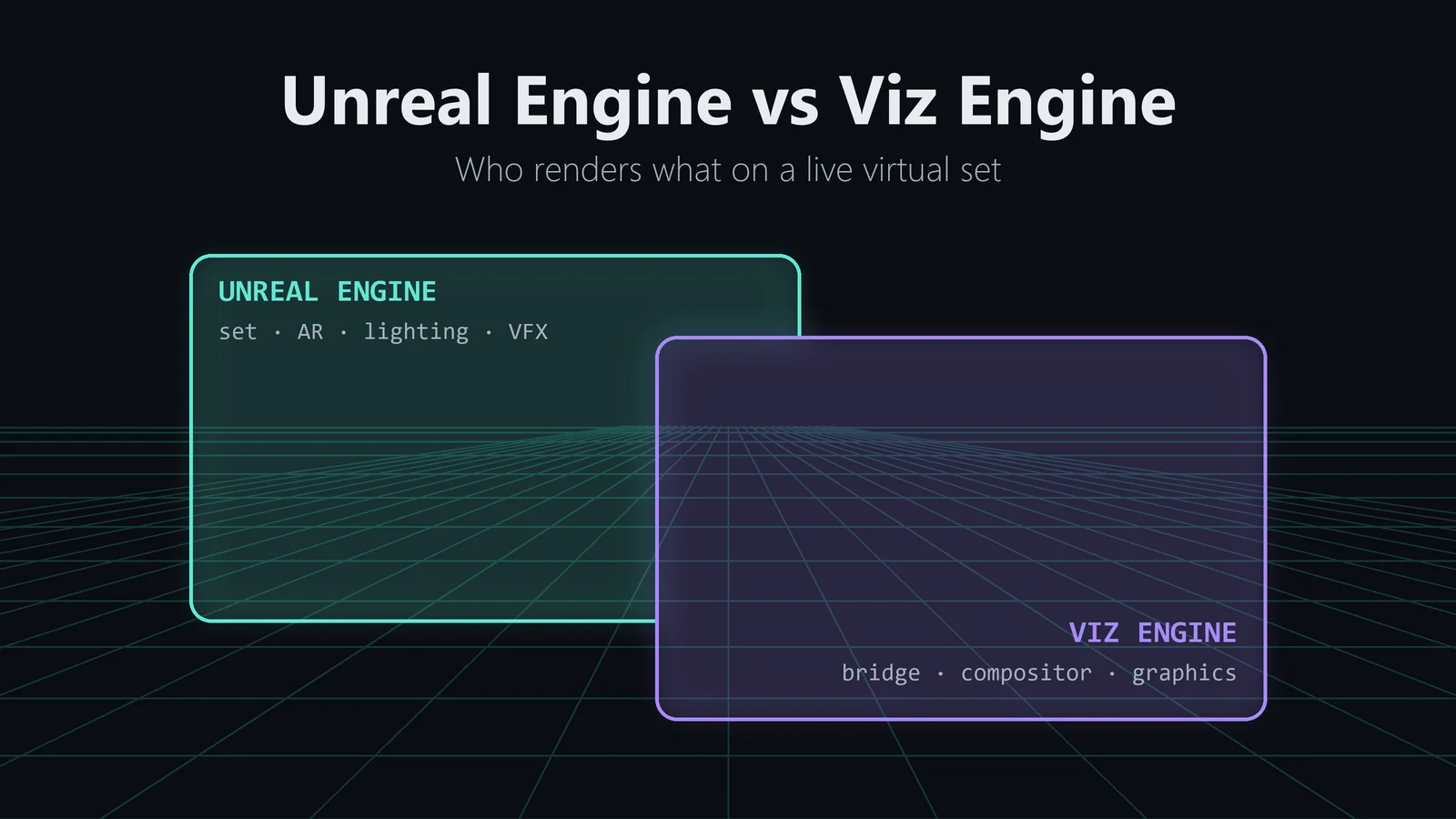
Unreal Engine vs Viz Engine for Broadcast Virtual Sets
How Unreal Engine and Viz Engine split the work on a live broadcast virtual set: Mo-Sys tracking through Viz, Unreal on the 3D, Viz Arc on control, and the tools I had to build myself.
Read article →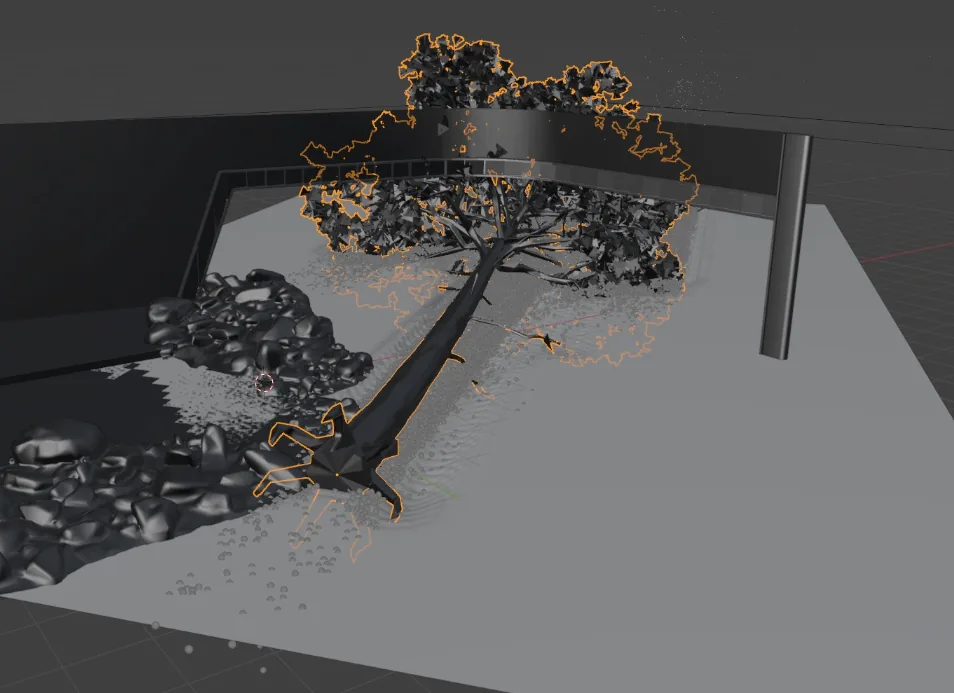
What Is a Technical Artist? What the Job Looks Like in Live TV
"Technical Artist" means very different things depending on where you work. Here's what it means in my case: a profile more artistic than technical, no Python or C++, built on Blueprints, rigs and VFX to sustain a real-time news broadcast.
Read article →